

iPhone tracks its user’s locations, here’s how to turn it off for good
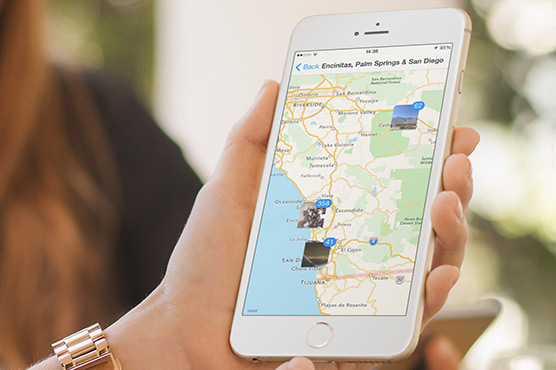
(DNA) – Apple’s iPhone contains a relatively little-known feature that is built to keep a history of everywhere its user has been – and how many times he/she has been there.This feature of ‘Significant Locations’ can be found in the settings, but it is rather hard to find, whether useful or not. iPhone tracks and stores locations, frequency and timings of visits.Surprisingly, it collects even more information about each journey: timings of a person departing for his destination, duration of his journey and mode of transportation e.g public transport, car, train, etc.According to Apple, the list is maintained in order ‘to learn about places which are significant for users.’It is said that Apple isn’t alone in keeping track of this data and Google does it too, through a ‘Location History’ list found in user’s Google account.”This data is encrypted and stored on user’s device only and will not be shared without his/her consent,” Apple said on its website.”It is used to provide you with personalised services, such as predictive traffic routing, and to build better Photos Memories.”However, if you no longer want “Significant Locations” turned on, here’s how to turn it off and delete its history from your iPhone:First, open your Settings app and locate the “Privacy” tab.
Related News

Speakers Highlight Shared Pakistan-China perspectives on Regional Conflicts
ISLAMABAD, MAR 12 /DNA/: The Institute of Regional Studies (IRS), Islamabad, hosted a roundtable discussionRead More

Panel Highlights Protection, Justice, Empowerment on Women’s Day
“Beyond Celebration: Inclusive Protection, Justice & Empowerment for All Women” — Landmark event brings togetherRead More
Comments are Closed